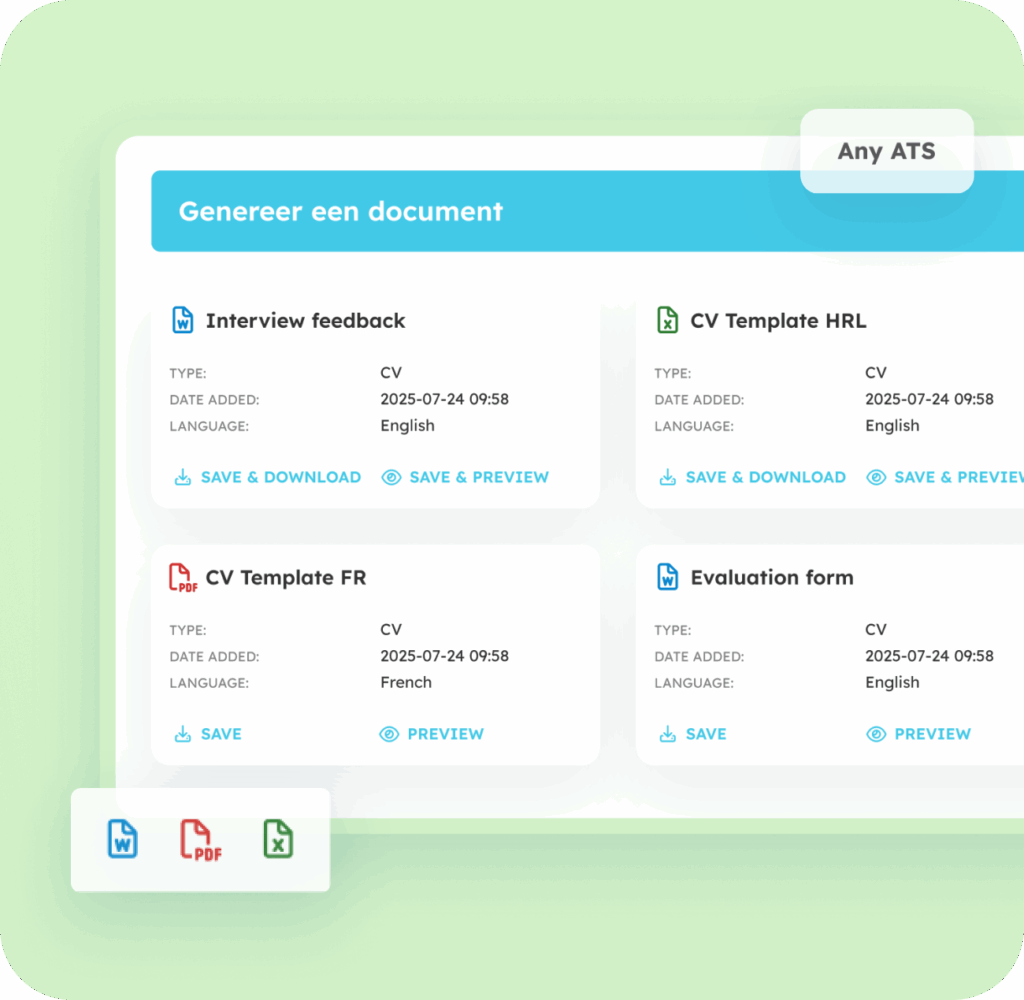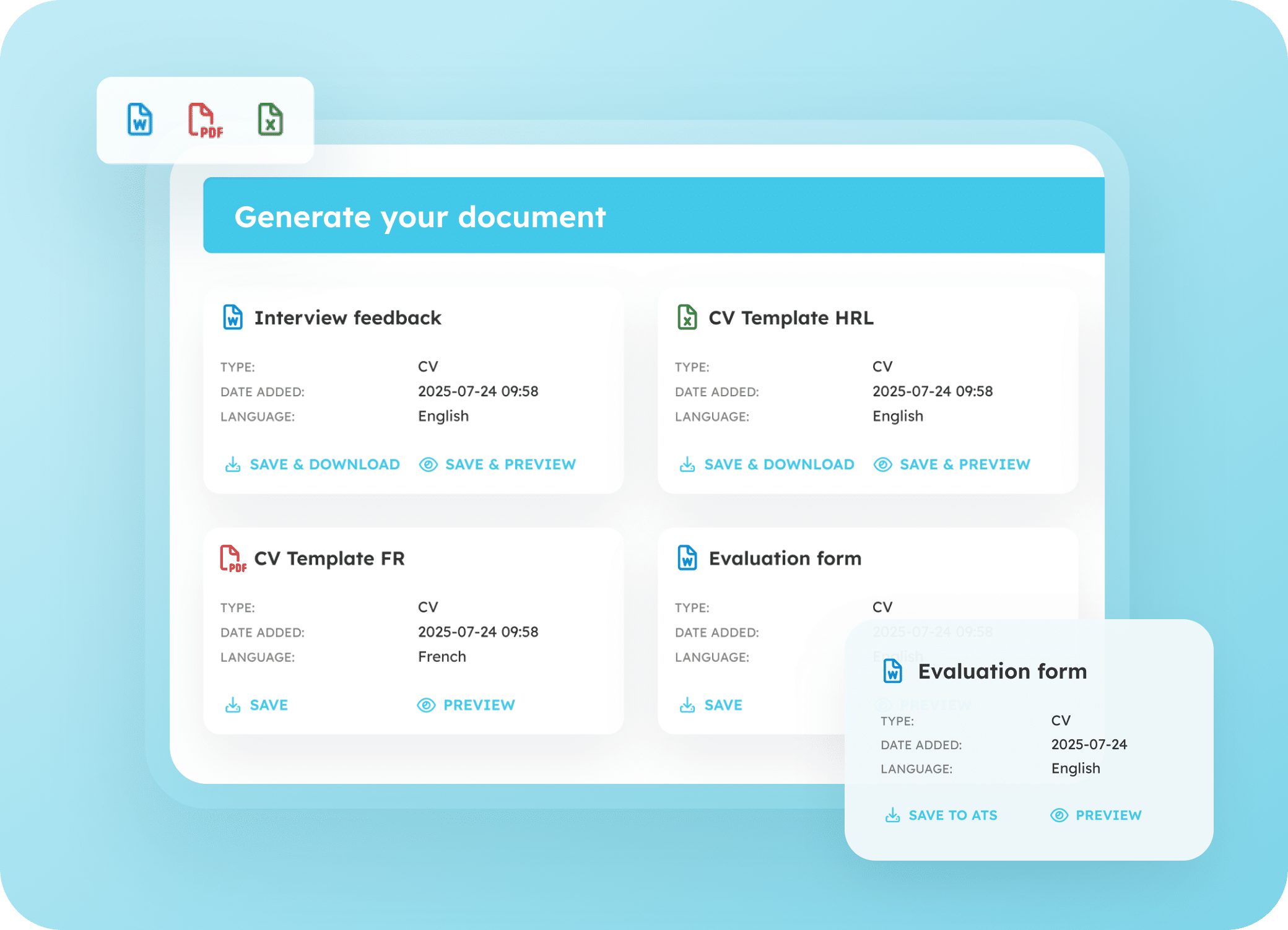
Generate flawless documents directly from your ATS

All data from the ATS, automatically filled into your document.

ATS document generator

Create a completed document in 2 clicks.

Automatically insert ATS-data into a document.

All the information already stored in your ATS for the Candidate, Account, or Placement – from name and address to start date, rate, and client details – is automatically added to the document. No retyping, no copy-and-paste: everything comes straight from the source.

Whether it’s contracts, CVs, quotes, onboarding documents, or placement sheets, any Word or Excel template can be used.
With Excel templates, you can even automate calculations, such as salaries, commissions, or travel expenses.

You never have to leave your ATS. Recruiters simply select the desired template directly within the ATS. In seconds, the document is ready, fully completed. You can download it immediately or save it in the ATS under the candidate, client, or job opening.

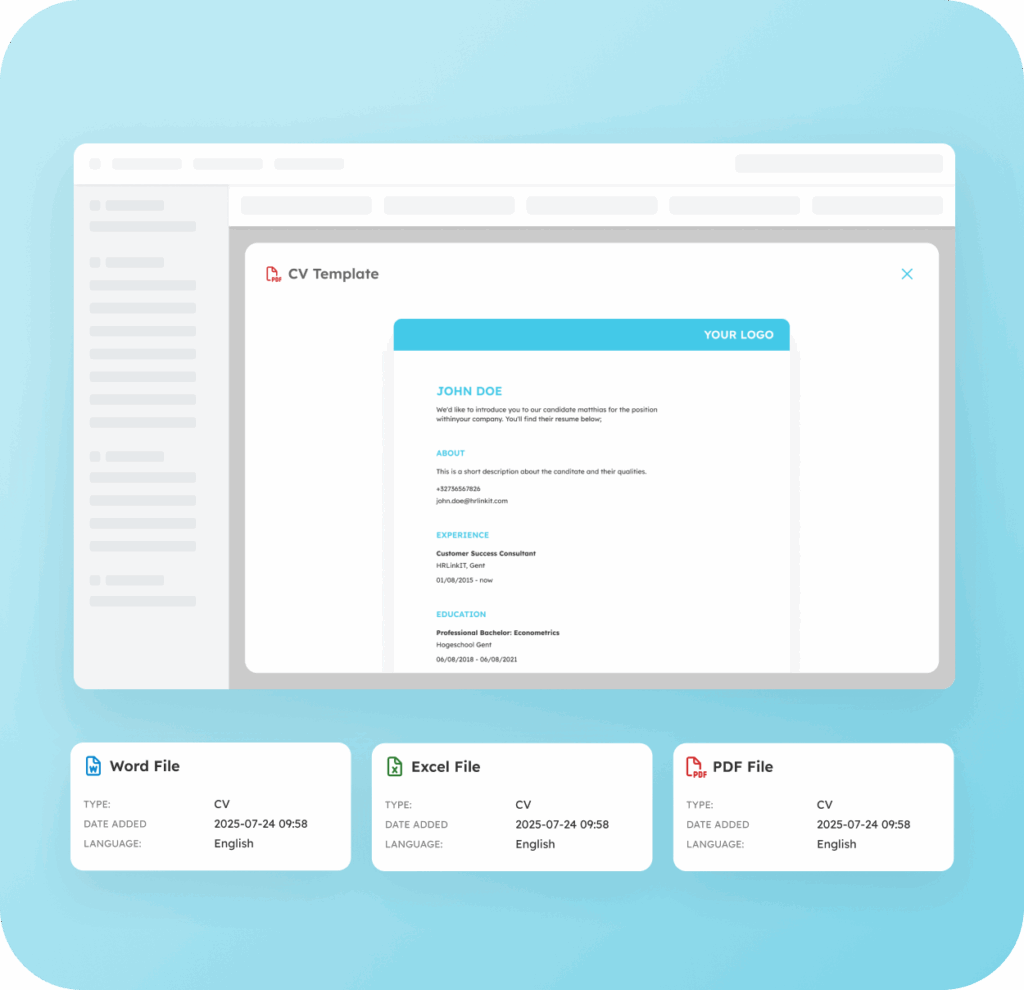
Design a document template entirely in your own style. Logos, fonts, colors, and layout remain exactly as you’ve set them in the template, ensuring a consistent, professional look for both clients and candidates.

With Minggo, you pay a fixed monthly price, no matter how many documents you create. This lets you scale without unexpected costs while keeping full control over your budget.

Document generator ATS

Which documents can you generate?

With the Document Generator, you can create all Word and Excel documents, such as:

Timesheets & invoicing

Quotes & contracts

Standardized resumes

Registration & placement sheets

Welcome brochures

How does it work?

Set up a template once, then use it endlessly.

Create and upload a Word or Excel template in your style for each document you need.

Use placeholders (in brackets) to indicate which data should be automatically filled from the ATS when the document is generated. This setup is done once by the ATS Administrator.

The recruiter now sees an overview in the ATS of all the documents they can generate.

They select a document and the Candidate, Account, or Job Opening for which the document should be created.

The recruiter selects the Candidate, Account, or Placement for which the document will be created. The data from the ATS is then automatically filled in for that Candidate, Account, or Placement.

The document is ready to view, download as Excel, Word, or PDF, or save in the ATS.

Key benefits at a glance

Save time

No more copy-pasting

Fixed cost

Create unlimited documents

Fewer errors

Always correct data

Scalable

Less pressure on recruiters

Always recognizable

Documents in your branding

Automation

Automate Excel calculations

How 24/7 Drive quickly generates candidate CVs

24/7 Drive wants to present its candidates using a standardized CV template for each country.

Frequently Asked Questions

Once you start using Minggo, a Minggo tab will appear in your familiar ATS.

As an ATS admin, you can upload one or more document templates in the Minggo documents panel within the ATS, for example for contracts, placement sheets, or quotes. In the template, you simply use brackets {} to indicate which fields should be automatically filled with data from the ATS, such as name, start date, hourly rate, or client information. This way, you can create multiple templates for different types of documents—for example, one for a CV, one for quotes, one for information sheets, and more. You can add any type of Word or Excel document template.

When you or a colleague need a document, simply select the desired template in the ATS. All data already stored in the ATS is automatically filled in. No more manual retyping or checking is needed. The document is ready instantly and can be viewed, downloaded, or saved in the ATS right away.

In Carerix, Bullhorn platform and Bullhorn Recruitment Cloud (Bullhorn for Salesforce). 

Whether it’s contracts, CVs, quotes, onboarding documents, or placement sheets, any Word or Excel template can be added.
With Excel templates, you can even automate calculations, such as salaries, commissions, or travel expenses.

As an ATS admin, you can upload one or more document templates in the Minggo documents panel within your ATS, for example for contracts, placement sheets, or quotes. In the template, simply use brackets {} to indicate which fields should be automatically filled with data from the ATS, such as name, start date, hourly rate, or client information. This allows you to create multiple templates for your different types of documents—for example, one for a CV, one for quotes, one for information sheets, and more. You can add any type of Word or Excel document template.

Complete the workflow:

Candidate Portal

Document Request Flow

Vacatures voorstellen

Candidate Presentation

Ready to start generating documents automatically?

Resources

Contact

+32 9 298 04 99

Wiedauwkaai 23G,
9000 Ghent

© 2026 Minggo. All rights reserved.